
I have a new open source side project: High speed brain health games.
The first release is ready for MacOS, Windows, and Linux.
It’s a series of games designed to drive you brain to work fast. The idea is to trigger implicit learning mechanisms in our brains. It appears this type of training can help reduce dementia risk (more on that research below).
First the games.
What are these Games?
There are eight games including in the project. Each game is derived from a description I found with Gemini’s help of games used for brain speed research. Nothing I was able to distill from the research said which, if any, are better than others. It didn’t appear to be a question the researchers have tested yet. So I more or less built a version of everything I found (well Gemini found).
All of the games are very simple, and are meant to allow you to play indefinitely. There are right and wrong answers, tested with increasing speed, but no winning and losing. Your goal is to tax your brain with high speed decisions.
When you get the right answer three times in a row reach game gets harder. When you get the wrong answer three times in a row is steps back two notches to let you catch up again.
Each of the games is designed to reach a level of difficulty that is actually impossible to maintain. The flashes of the images and bursts of sound get shorter than an eye blink, and strain the limitations display refresh rates. For example Fast Piggie tops out at 10ms display time, that’s faster that’s nearly as fast as 120hz refresh rate on common laptops. An eye blink can last 100ms.
Directional Processing
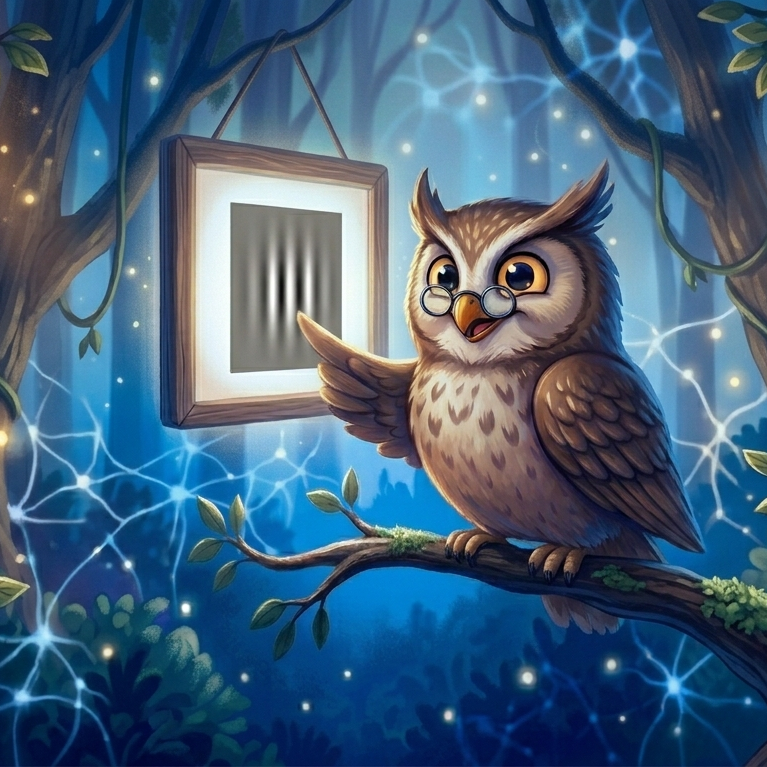
Direction Processing presents you with a moving Gabor Patch that moves left, right, up, or down. After seeing a brief view of the patch, you pick which direction it moved. As the game advances the patches move faster and the contrast drops. The more you get the answer right, the faster it proceeds. If you get several wrong in a row it will slow down to help you succeed again.
Fast Piggie
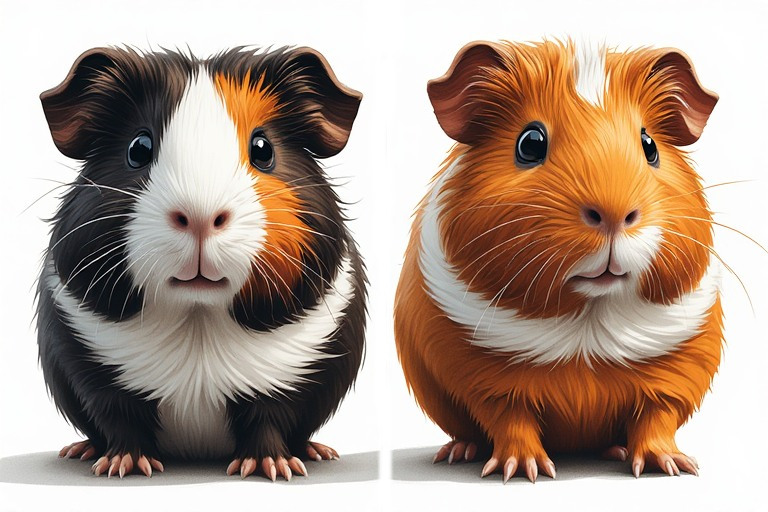
Fast Piggie displays drawings of two guinea pigs in a circle. One is shown several times, the other is shown once (the orange one). The are all displayed for a short moment, and then disappear. You must select which segment of the circle where the unique piggie appeared. As the game advances, there are more images and they are shown for less time.
Field of View
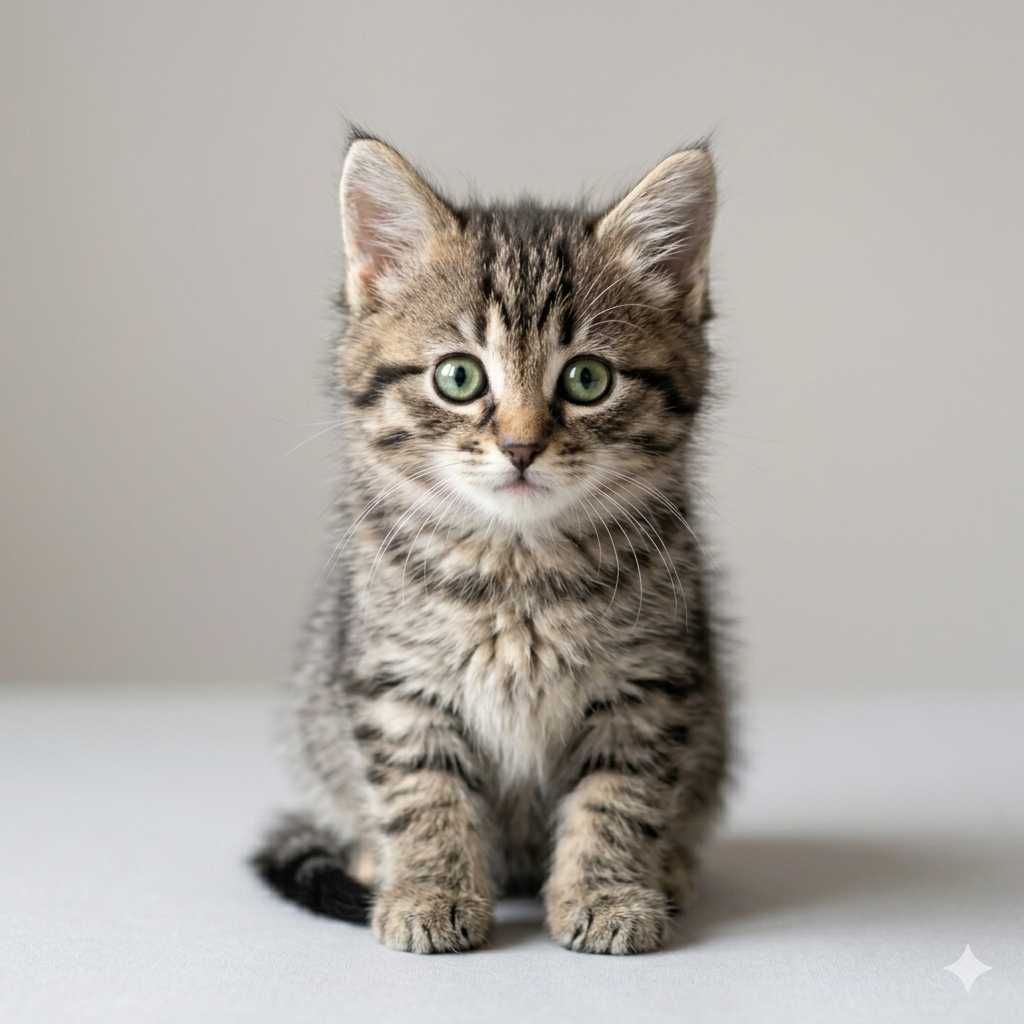
In Field of View you are shown a grid with two images in each round. In the center of the grid is one of two images of a kitten. On the outer edge of the grid a picture of a cat toy appears. The game shows you the image for a brief time, then you must select which kitten appeared and where the toy was located. The game gets harder by reducing the display time and increasing the size of the grid.
High Speed Memory
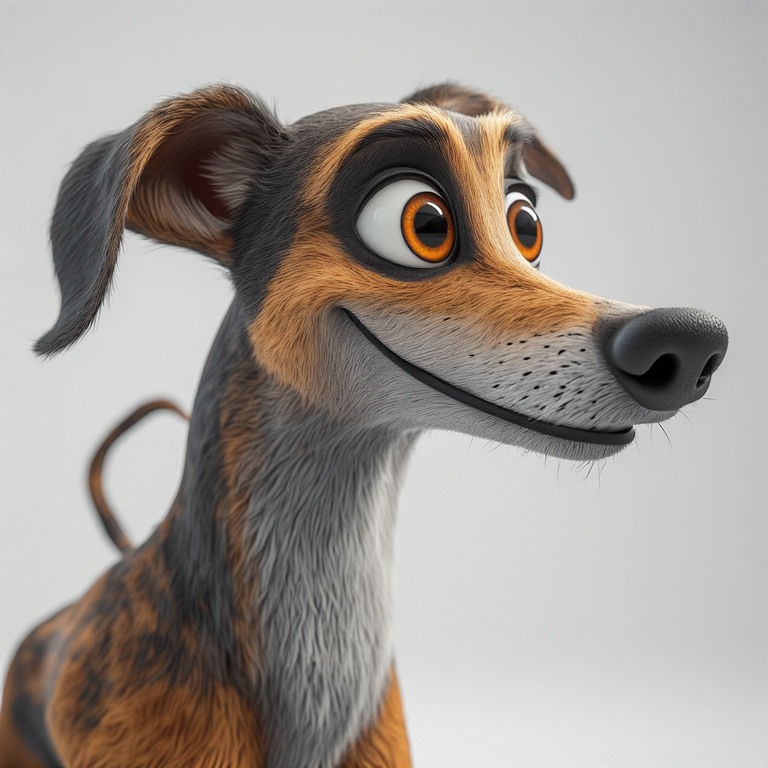
High Speed Memory has you finding three images of a specific cartoon greyhound in an enlarging grid of options. Each round the primary hound is shown 3 times, and the rest of the grid is a selection of other cartoon greyhounds. The primary image intentionally stands out a little to make him findable (I decided it was a goofy boy based on >20 years of experience with the breed). The game increases the challenge by increasing the number of greys in the grid, and reducing the display time.
Object Track
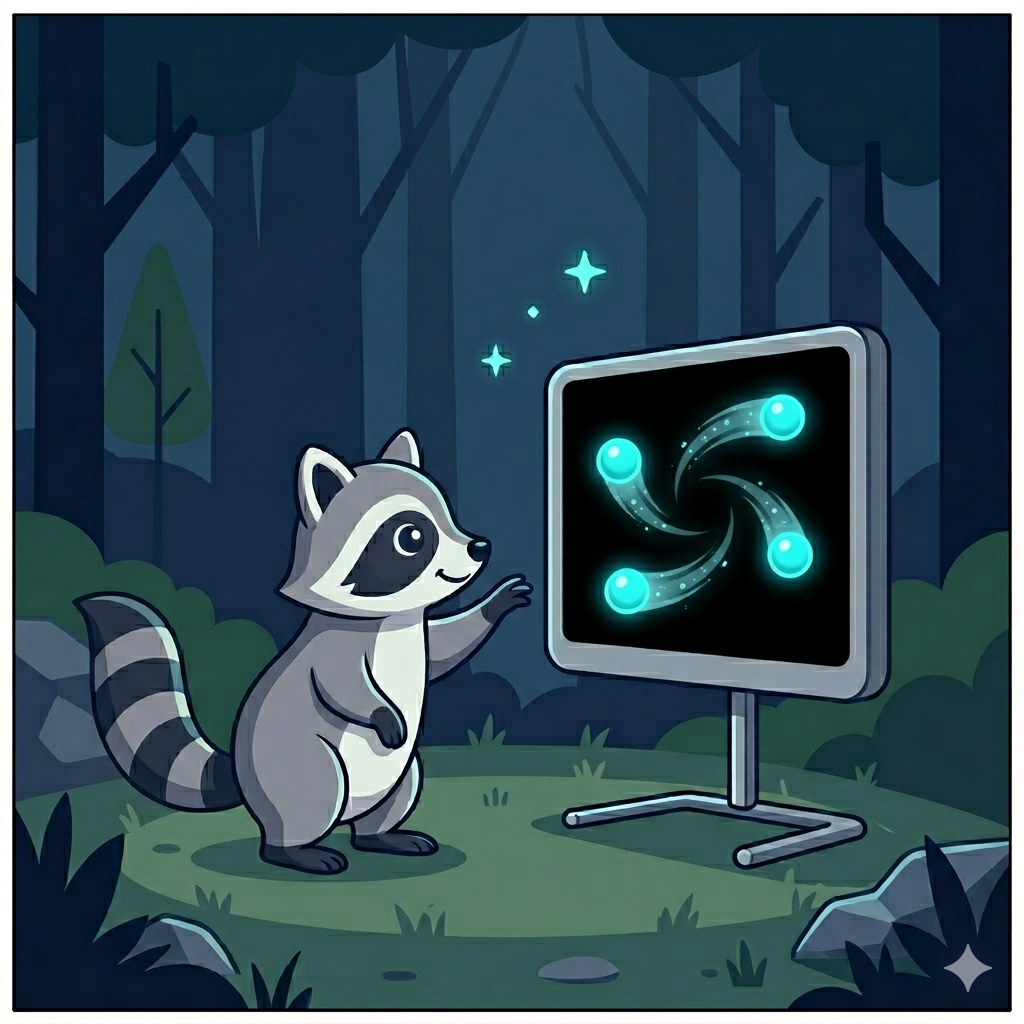
Object Track presents you with a collection of balls that move around in a confined area. They general follow basic physics and bounce off each other as they move. A set of the balls are highlighted at the start of each round. You need to track those until the end of the round, and then select them again. As the game gets harder the balls move faster and the game increases the number you must track.
Orbit Sprite Memory

Orbit Sprite Memory (yes, it’s a strange name I blame the AI) presents a series of pictures of rabbits around a circle. There is one rabbit who will be shown exactly three times – there is a hint in the upper left about which to look for. You need to select the slots in the circle it was shown in. As the game gets harder more distraction rabbits are shown and the display time reduces.
Otter Stop
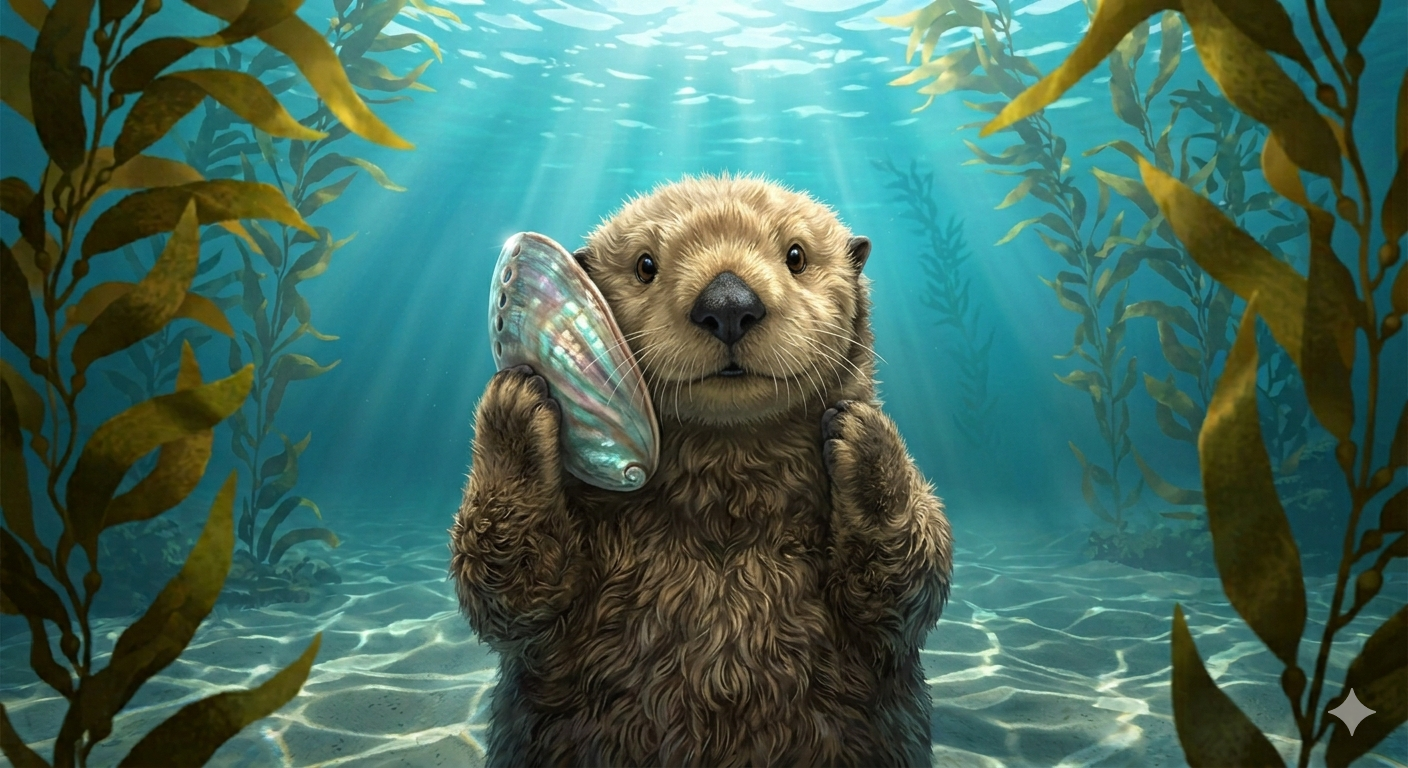
Otter Stop presents a series of images – mostly sea otters. When you see an otter, you hit space or click on the image. When you see a fish, you do nothing. The trick is to only acknowledge the otters and not accidentally mark the fish too. As the games gets harder you have less time to decide what to do. I find this game oddly hard.
Sound Sweep
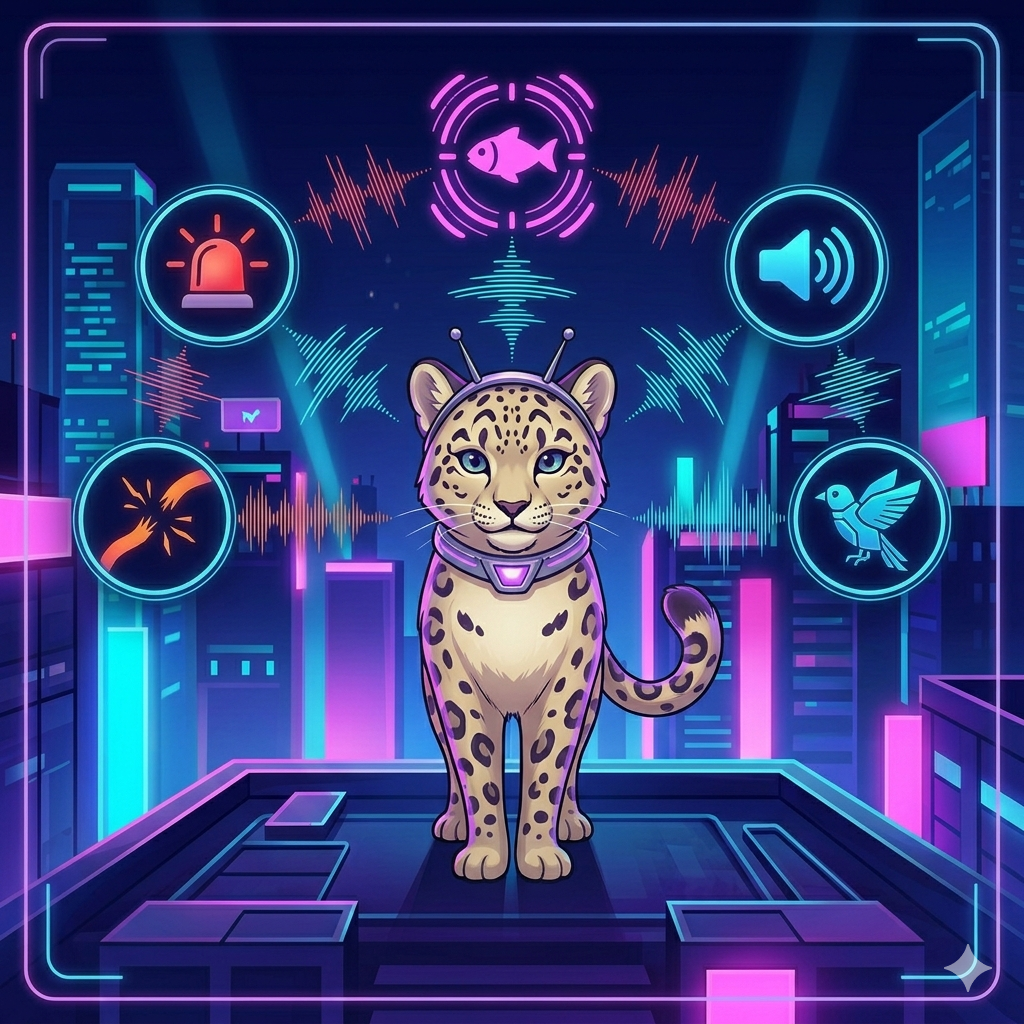
Sound Sweep is the only non-visual game – it’s sound driven. The game plays two tones back to back. Each tone is either rising or falling in pitch. You then indicate which pattern you heard: up-up, up-down, down-up, or down-down. The game gets harder by shortening the time each tone is played.
Where the Idea Came From
In February I noticed an NPR story about cutting dementia risk by playing fast games. Based on the long-running ACTIVE study the news was basically that if you play fast video games you can reduce the risk of dementia for startlingly long times.
The idea of using computer games to avoid dementia has a lot of appeal to me. So I set about building myself a set of games to try to keep my brain sharp. Besides it game me a chance to practice some new techniques.
Do They Work?
No idea.
I’m not an expert in brain health. The studies don’t describe the games used particularly well, so these are similar to those at best. Right now, I’m pretty much the only test subject and I’ve collected no related data. I’m nearly 20 years younger than anyone in the related studies, so I’m therefore 40 years from aligning to the most recent data points.
That said, the various studies and articles I read on the topic suggest it’s about the speed and keeping your brain nimble. It’s a few minutes out of your day and seems very unlikely to hurt. And they are free so you aren’t even risking losing money.
How I Built This
Eight games, with history tracking, supporting custom images and sounds: yeah, I used a lot of AI assistance. Gemini did a lot of the research into the kinds of games used for the studies above. I read through the references it provided to validate the sources and then had Gemini generate the summaries I used for prompting the coding agent. I also used Gemini to generate the images.
Github’s Copilot wrote the vast majority of the code, typically with Claude models behind it. I’ve been prompting, reviewing, testing, and re-prompting. Occasionally, I’ll see an error that’s just easier to fix than prompt.
As a result the code base isn’t terribly consistent. The tests are overly detailed and verbose in places. Each game has a degree of its own style – despite consistent linting and instructions on code style.
The overall architecture is mine, the AI followed my design patterns. That means each game is setup as a plugin to the main application, and it should be easy to extend to add new games if it makes sense in the future. The game segmentation also helps keep the code files small reducing the context the AI needs to succeed.
Contributions
This project is open source, and any contributions are appreciated (human or AI written). If you hit a bug or have ideas for how to improve it, please feel free to open an issue.