
Last spring I released Brain Speed Games, a set of games designed to make your brain work fast in the hopes it might support good brain health. After a few months away from the project due to moving I picked it back up recently and addressed a few major problems.
- The installer for MacOS now actually works.
- It actually runs on Windows (at least on 11).
I also added more games, features, and a nicer UI.
New Games
I added two new games: Card Rat and Fine Tuning.
Card Rat
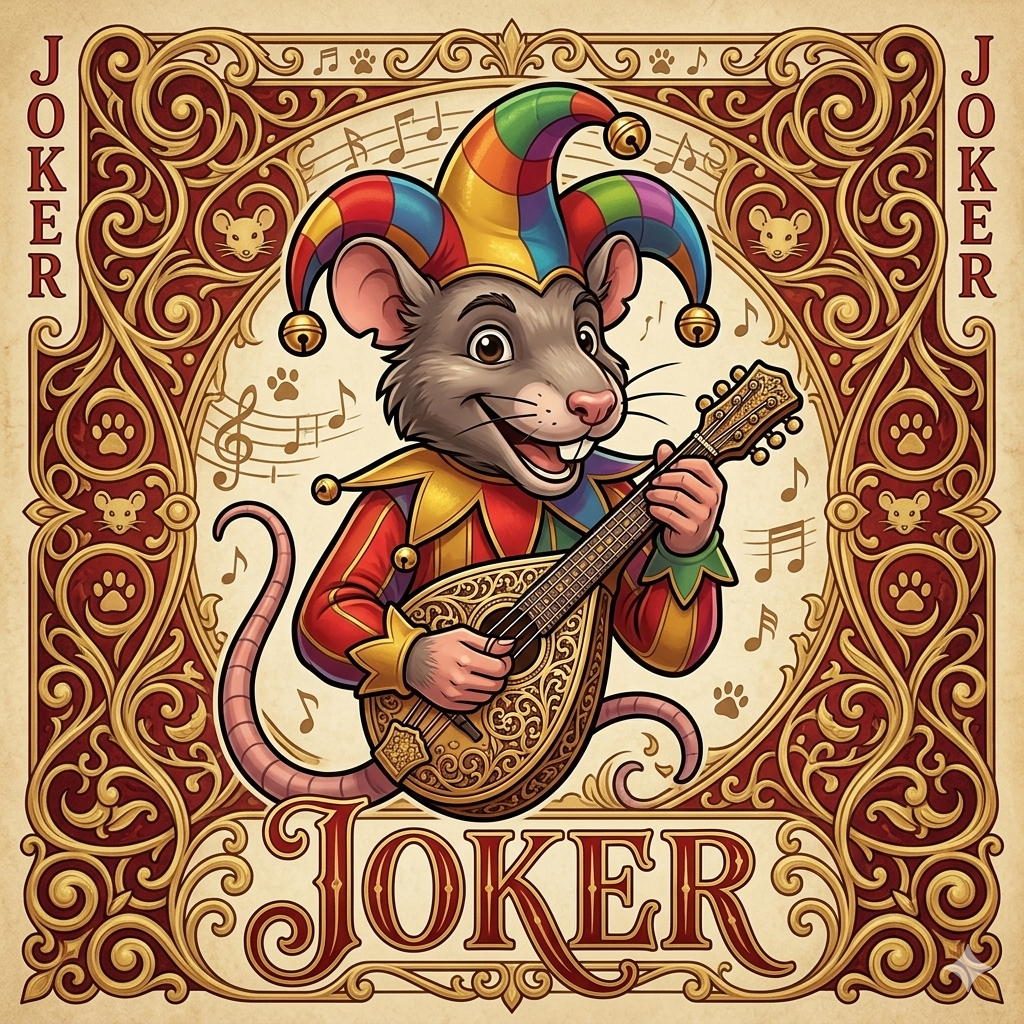
Cat Rat is inspired by Egyptian Rat Screw which I played a lot as a teenager. Last time I played actual people I was still unreasonably good at it; hopefully that’s also good for my brain.
The game will display a deck of cards one at a time. You need to “slap” (click or hit space) when you see:
- A Joker
- A pair (two of the same value in a row)
- A sandwich (two of the same value on other side of any other card)
You have to react before the next card is shown. As the game progresses the cards are displayed faster.
Fine Tuning
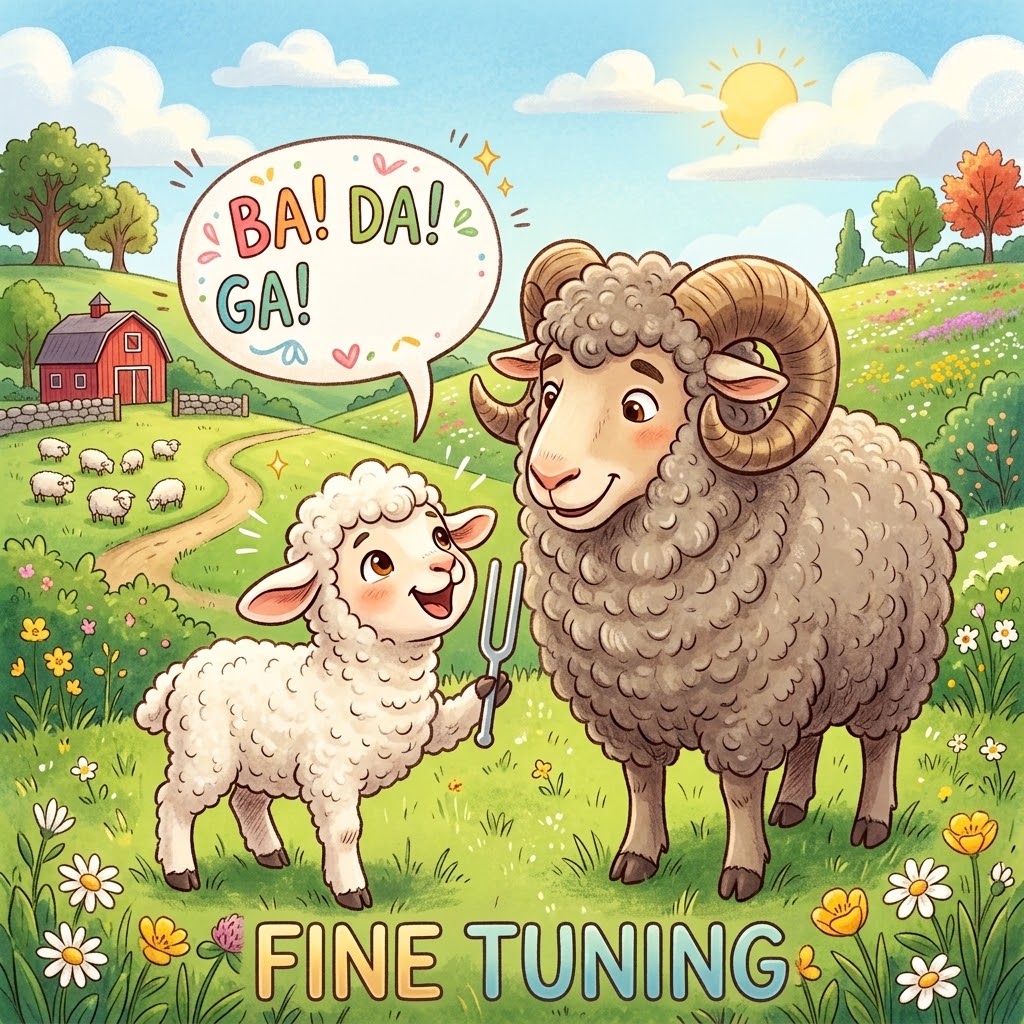
Fine Tuning is a speech discrimination game. In each round the game will play a sound that is just a syllable, then two more syllables: one will match the first, one will not. You need to indicate if the first or second matched that initial base sound.
It uses generated sounds (instead of recordings) which gives the tones a robotic nature to them. Hopefully I’ll be able to improve that in the future.
Other New Features
This new release has a whole series of bug fixes, game play tweaks, and other various upgrades.
The biggest two improvements are adding tutorials for each game and a new theme.
Tutorials
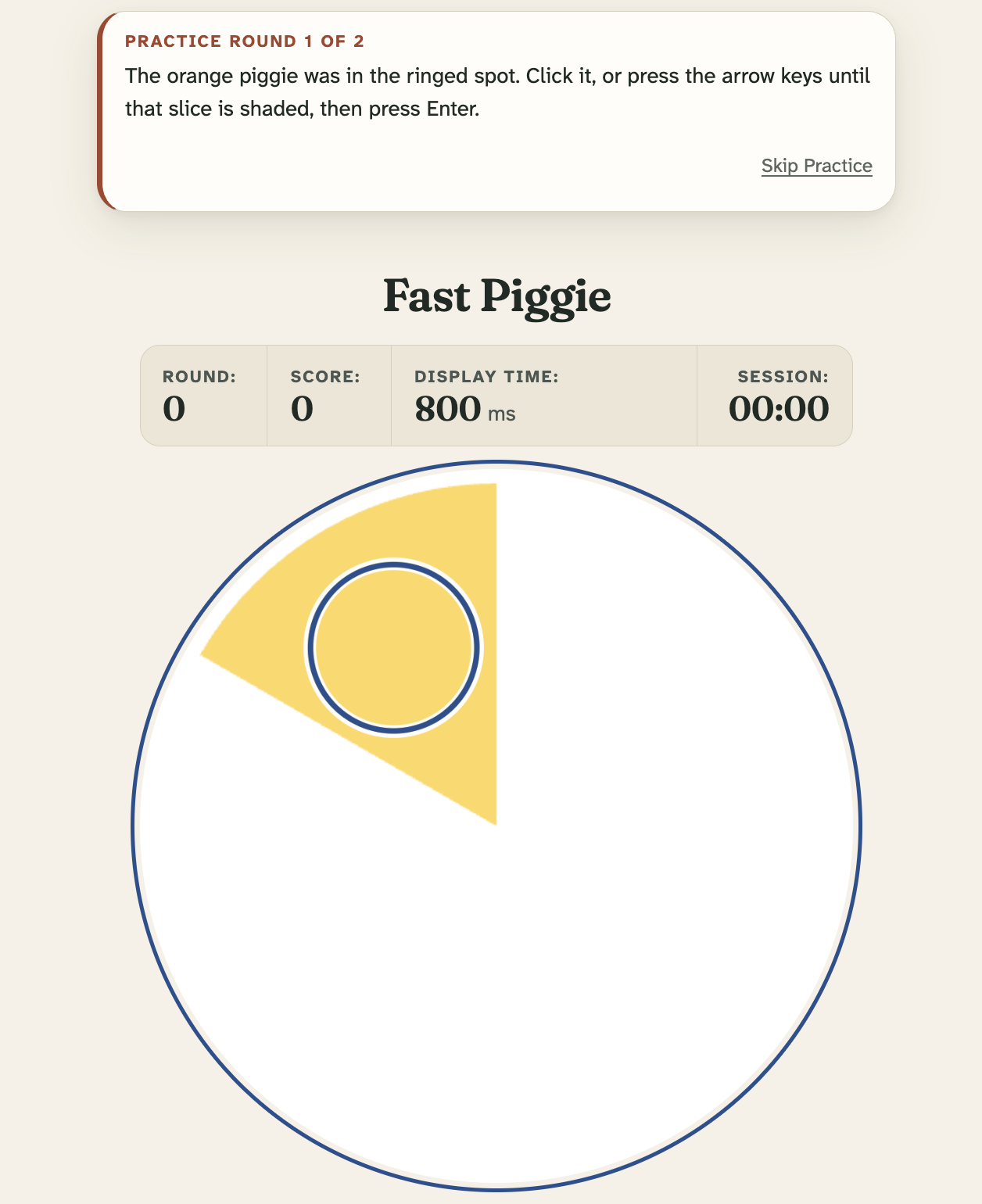
Each game now includes a basic tutorial available to help you learn how to play it. The first time you load a game the program will walk you through one round. You can also have it play a second round the same way.
Hopefully this will help people learn to play the games more easily. While the initial version did have a basic description of each they weren’t super clear. There is nothing like doing a thing to help you learn the thing.
Let me know if these are useful and how they could be better.
New Theme
I also spent time working (well Claude did) to revamp the UI to be less utilitarian. The initial version was basically a white background and black text for all elements outside of game play. It’s now a warmer tan background, more thoughtfully selected fonts, and other improved details.
Basically it looks better.
I also spent a bunch of time (well tokens) resolving on some basic accessibility issues. While most of the games are inherently visual, and one relies on low contrast, two are completely sound based. Besides there is no reason not to make things accessible for as many users as possible.
Feedback Appreciated
I still have no real way to measure if it’s helping people’s brains but it’s a fun project all the same. It’s all the more fun when I hear from people that they are using it and how I can make it better. Feel free to open an issue on Github for any bugs or feature requests. You can also reach me through LinkedIn if you want to just tell me about using it, or discuss other details.